Polymarket Widget
Embed Polymarket on Any Website
The easiest way to embed Polymarket prediction markets on your blog or website. Live odds, automatic updates, zero maintenance.
Why Embed Polymarket on Your Site?
Polymarket is the world's largest prediction market platform, with millions in daily trading volume. By embedding Polymarket data on your website, you can:
- Enhance credibility: Show real market probabilities backed by real money
- Keep content fresh: Markets update automatically as events unfold
- Boost engagement: Readers stay longer when they can track live odds
Our Polymarket embed widget connects directly to Polymarket's API to fetch trending markets by trading volume. No need to manually select which markets to show—the widget automatically displays the most relevant and active markets.
How to Embed Polymarket in 3 Steps
No Polymarket API key required. No account signup. Just copy and paste.
Copy the Widget Code
Get the two-line embed code from our configurator. Choose between featured mode (single event with detailed odds) or list mode (multiple trending markets).
Paste Into Your HTML
Add the code wherever you want the Polymarket widget to appear. Works in WordPress posts, Webflow pages, Squarespace blocks, or any HTML editor.
Publish & Done
The widget appears instantly with live Polymarket data. It automatically updates every 5 seconds and requires zero maintenance from you.
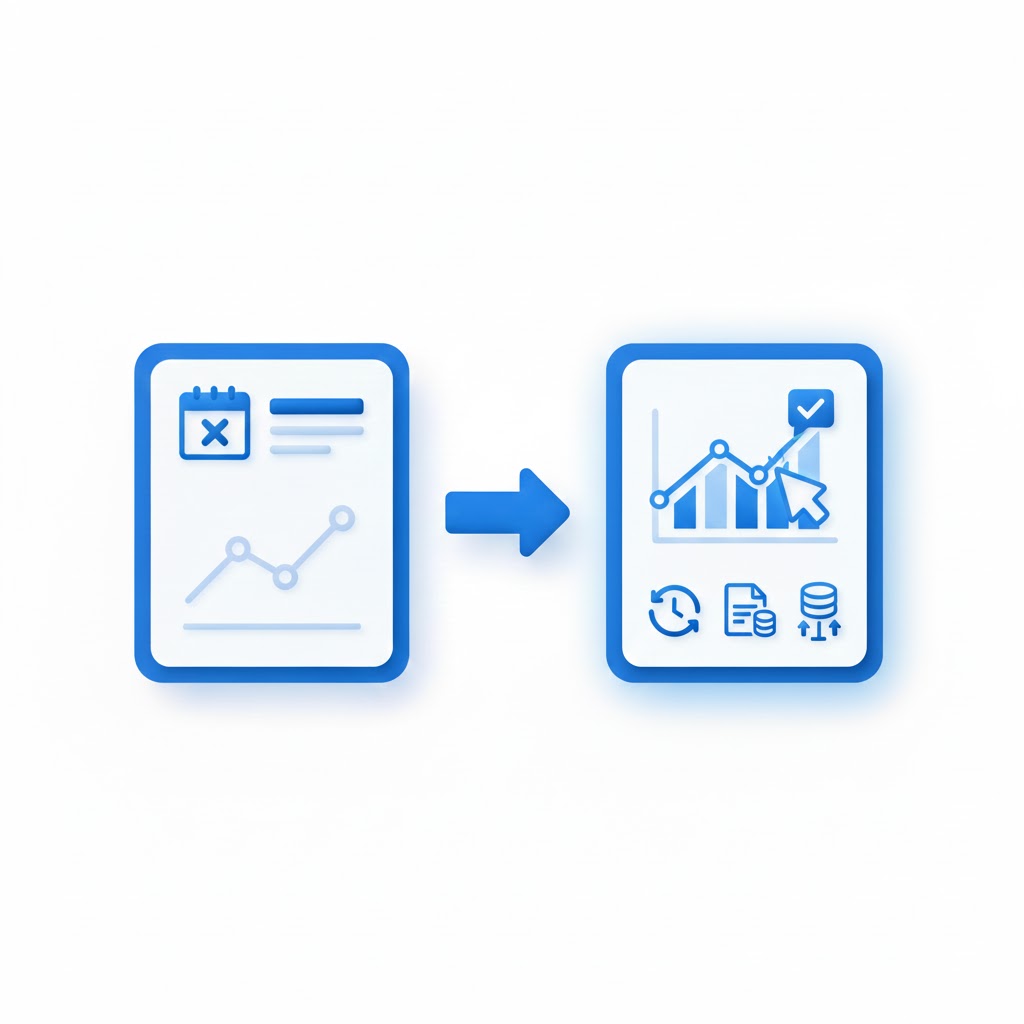
Why Use a Widget Instead of Screenshots?
Many publishers include Polymarket data in articles using static screenshots. This creates problems:
- Odds become outdated within minutes
- Articles age poorly and lose SEO value
- Manual updates are time-consuming
- Screenshots look unprofessional compared to live data
With our Polymarket embed widget, your content stays evergreen. Markets update automatically, resolved events show final results, and your articles remain valuable long after publication.
Ready to Embed Polymarket?
Get the widget code and start displaying live Polymarket data in under 30 seconds.
Get Polymarket Widget CodePolymarket Widget Questions
Do I need a Polymarket account to use the widget?
No. The widget works without any Polymarket account or API credentials. Just copy the embed code and paste it into your HTML.
Can I choose which Polymarket markets to display?
The widget automatically shows the top trending markets by 24-hour trading volume from Polymarket. This ensures your readers always see the most active and relevant predictions.
How often does Polymarket data update?
Every 5 seconds. Our backend fetches fresh data from Polymarket's API continuously, so your widget always displays near real-time market probabilities.
Will this work on WordPress?
Yes. Use WordPress's Custom HTML block to paste the widget code. Works with Gutenberg, Classic Editor, and all major WordPress themes.
Does embedding Polymarket data violate their terms?
No. We use Polymarket's public API and always link back to their platform. Every click-through sends traffic to Polymarket, which benefits both parties.
How do you make money if the widget is free?
We earn affiliate commissions when users click through to Polymarket from the widget. This allows us to offer the service completely free to publishers.